
From incident reporting to coordinated security operations.
Connect daily security activity, incident response, review, and reporting through one structured operational record.
A complete record begins before the incident.
Security work moves across calls, patrols, observations, incidents, investigations, and shift handoffs.
iReport brings those activities into one system so they can be assigned, documented, reviewed, and understood in context.
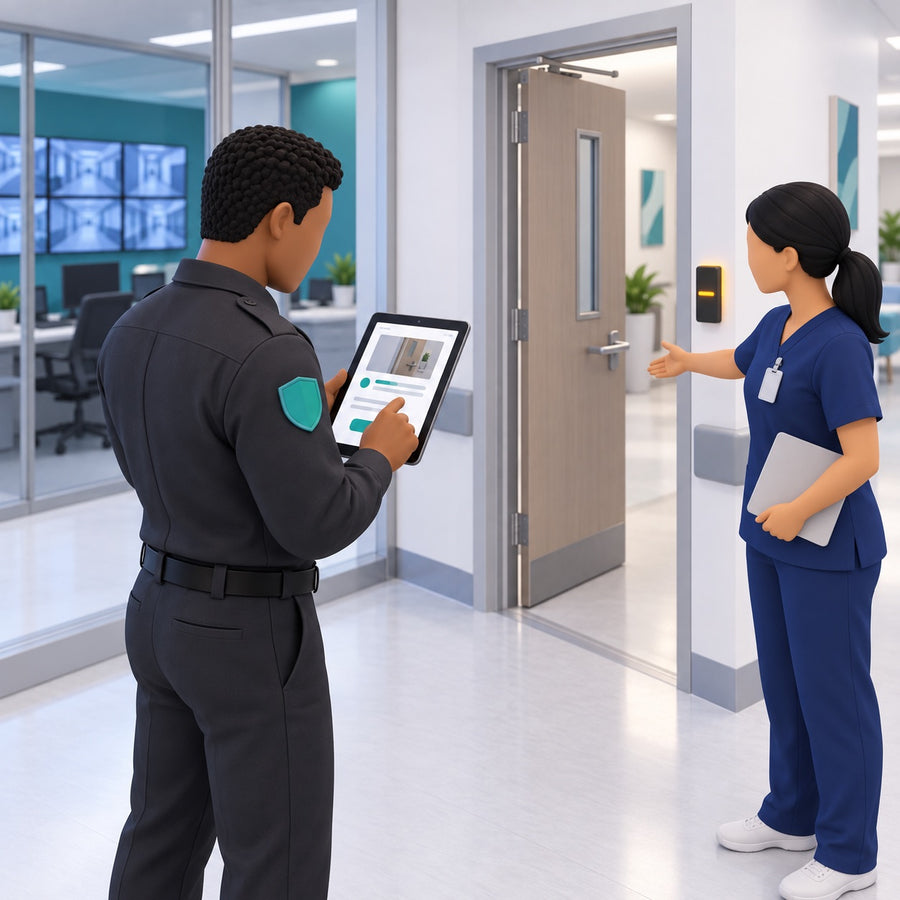
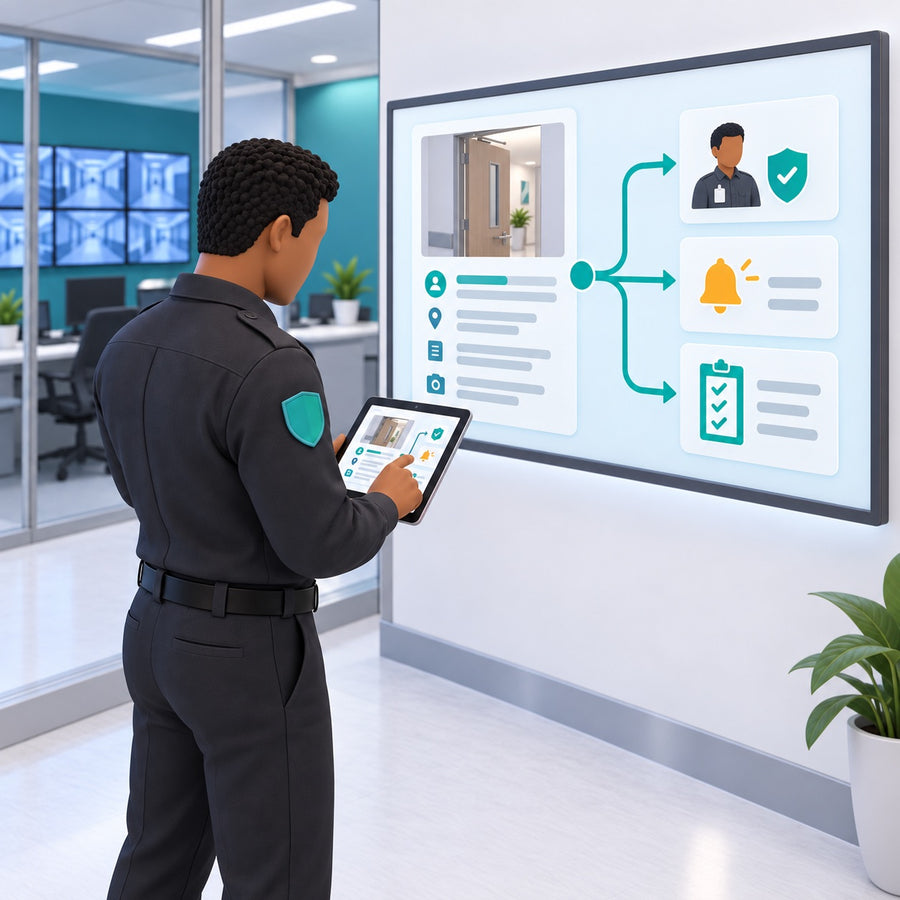
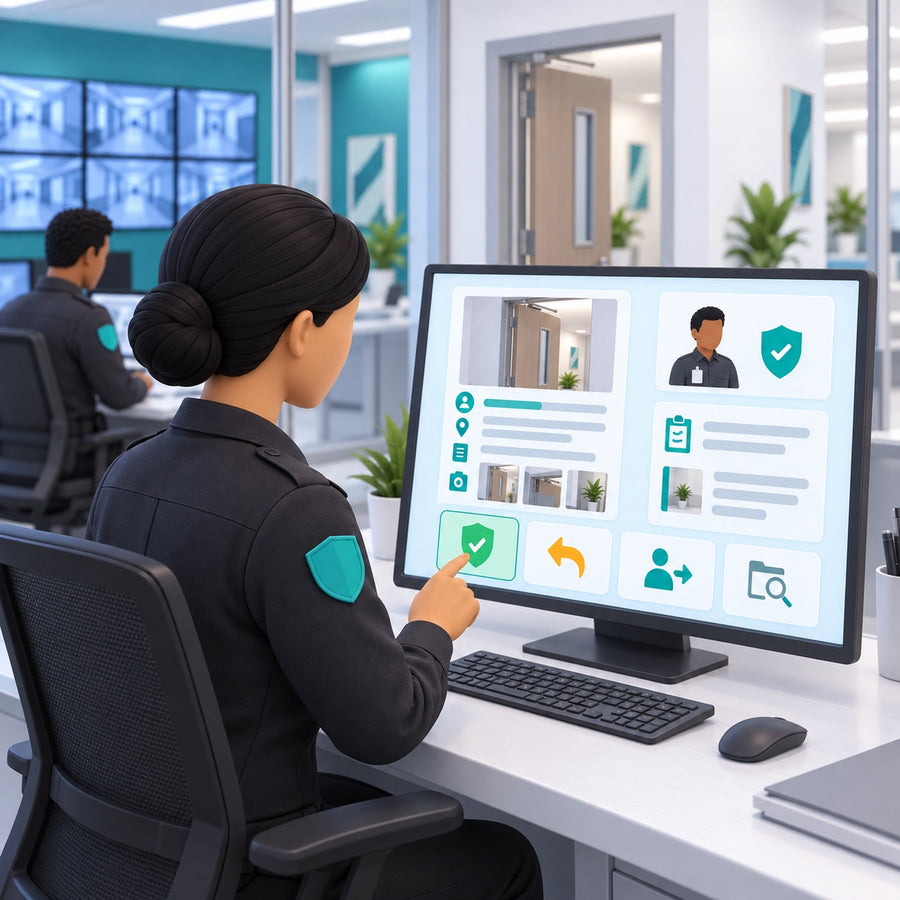

Core capabilities.
The whole shift, not just the incident.
One operational record for the work of the entire shift.
Daily activity logs
Record rounds, breaks, observations, assignments, and other shift activity through a consistent daily workflow.
Patrols and checkpoints
Define patrol routes, schedule required checkpoints, and document completion through workflows configured for the organization’s operating environment.
Incident management
Capture incidents through structured reports with the people, locations, details, evidence, and follow-up the organization requires.
Review and approval
Route reports to supervisors, return incomplete work for revision, assign follow-up, and preserve the full history.
Dispatch and assignments
Send calls and tasks to officer dashboards so work remains visible from assignment through completion.
Bulletins and persons of interest
Maintain current operational information for teams that need to recognize people, conditions, or events requiring attention.
Required-report monitoring
See which reports or activities remain incomplete before a shift ends.
Analytics and reporting
Turn structured daily activity into operational views that help leadership identify patterns, workload, exceptions, and follow-up needs.
Designed for the field and the command view
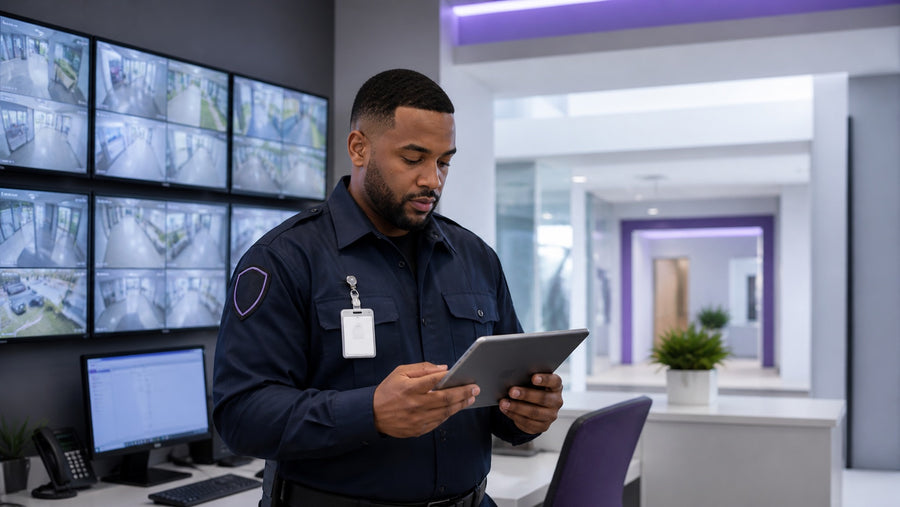
Focused digital workflows reduce paper transcription and make it easier to record activity while details are fresh.

Review queues, assignments, required reports, and follow-up provide a clear view of each shift's work.

Consistent records and operational reporting support oversight, planning, accountability, and incident review.
Built around your operation
Configure forms, patrols, assignments, approvals, notifications, and reporting around your security operation.
Roles, permissions, and retention rules reflect your policies and responsibilities.
Talk to us about your shiftFocused applications. Connected operations.
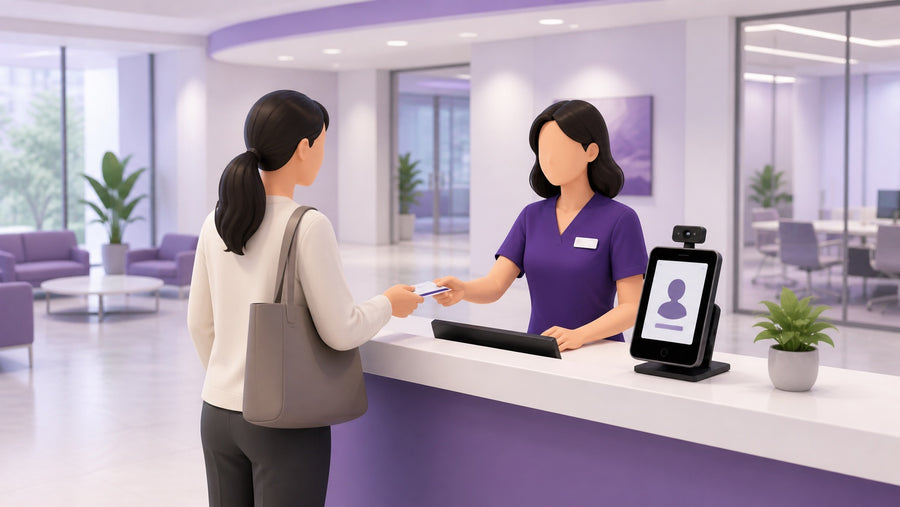
iReport can run as a focused security-operations application or work alongside GUEST and KEYS as part of a coordinated healthcare-security solution.

See iReport in the context of your security operation.
We will tailor the walkthrough around your shifts, patrol routes, incident categories, and approval rules.
Security overview, data retention policy and an implementation plan, provided on request before any pilot starts.
Request documentation